TERRITORIES Controls
Camera, selection, orders, UI panels, and General powers on PC and mobile.
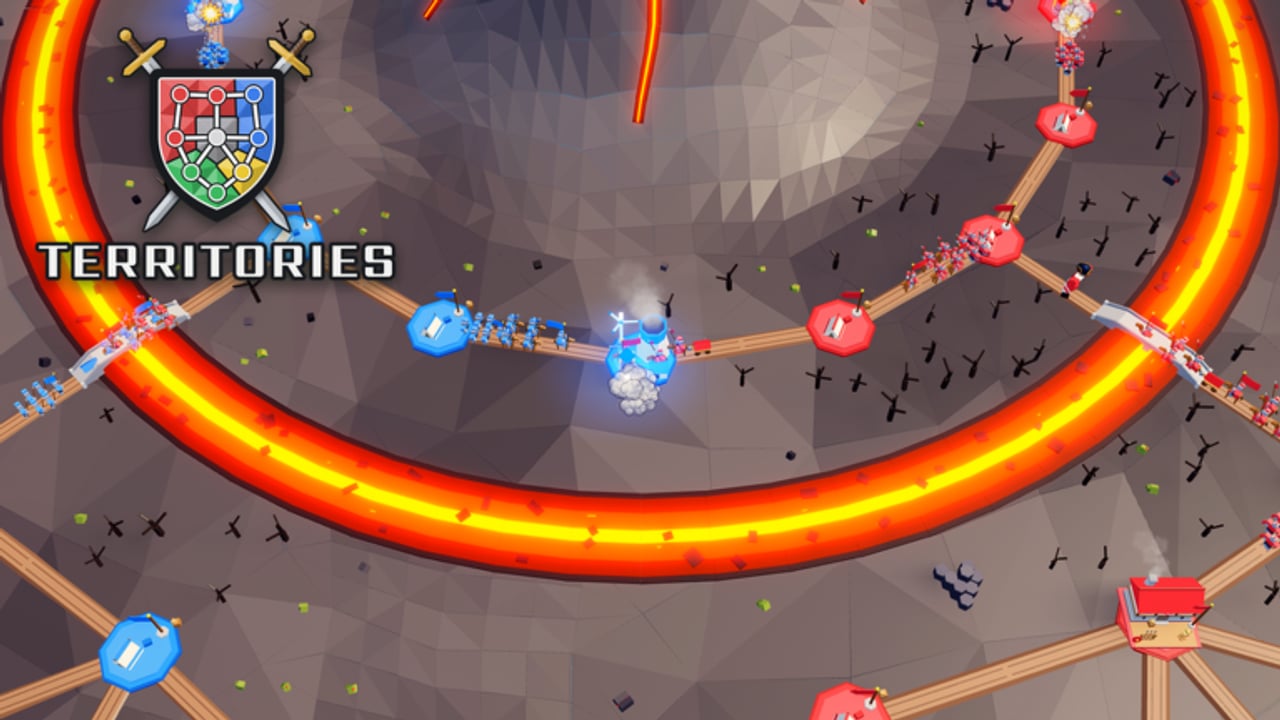
Clean inputs win more matches than flashy all-ins in TERRITORIES. This Roblox RTS from [Entropy] Games (ForeverDev / @d5vid_) asks you to capture camps, build towers, grow an army, and fire General powers under pressure—often in lobbies that climb toward 30 players. If How to Play teaches the loop, this page teaches the hands: camera discipline, select-move-attack habits, UI panel literacy, Battle Guide checks, and how to spend a General without panic-mashing.
Exact keybinds and button labels can shift after patches. Treat every label below as a soft map of actions, then confirm the live binding inside the in-game Battle Guide before you invent muscle memory that fights the client.
What good control feels like
You should always know three things: where your camera is pointing, which units are selected, and what order you just issued. Players who lose camps while staring at a highlight fight are not unlucky—they lost the camera. Players who send the whole army into a towered choke are not brave—they lost selection discipline. Practice boring excellence: pan, select, order, glance home, repeat.
Pair this page with Getting Started on day one and Towers and Army once economy decisions matter more than button comfort.
PC vs mobile action map
Use this table as a habit checklist. Labels are intentional soft wording because Roblox clients and patches can rename keys.
| Action | PC (typical) | Mobile (typical) |
|---|---|---|
| Pan / rotate camera | Mouse drag or edge pan; scroll to zoom | One-finger drag; pinch to zoom |
| Select units | Click or drag-box over your army | Tap units or drag a selection box |
| Add to selection | Modifier + click (confirm in Battle Guide) | Multi-tap or selection tool if shown |
| Move order | Right-click or confirm-click on ground | Tap destination after selection |
| Attack / engage | Order onto enemy stack or contested camp | Tap enemy or objective with army selected |
| Capture focus | Order onto neutral or enemy camp | Tap camp after selecting attackers |
| Open UI / menus | On-screen HUD buttons; Escape-style close | HUD icons; back gesture to close panels |
| Battle Guide | Guide / help entry in HUD | Same Guide entry on mobile HUD |
| General power | Dedicated ability control when charged | Ability button when the power is ready |
| Cancel / rethink | Stop or re-click a safer path | Retap a safer destination quickly |
If a row disagrees with your client, trust the client. Open the Battle Guide, note the current binding, and rewrite your personal cheat sheet—do not force a wiki table over live UI.
Camera habits that save camps
Keep a rhythm: home camps → active front → threatened flank → home again. In a 30-player server, the decisive raid often happens off-screen. Zoom out far enough to read camp clusters, then zoom in only for precise selection. On PC, avoid locking the camera on the biggest clash for thirty straight seconds. On mobile, fight the urge to pinch into a single skirmish until you cannot see income nodes.
After every major fight, force one home check before you celebrate. That single pan prevents the classic throw where you win a stack fight and lose two camps behind you.
Select, move, attack—without donating the army
Select with intent. Grab the raid force you mean to spend, not every unit on the map. Leave a visible home reserve selected separately or parked on purpose. Blind whole-army selects are how empty bases happen.
Move before you ego-commit. Path toward a camp or staging ground first. If a stronger army appears, cancel and bounce. Move orders are cheap; rebuilds after a wipe are not.
Attack when the trade is funded. Issue attack or engage orders when you have replacement income and, ideally, tower support on the approach. Attacking a dug-in camp with no plan is just a donation with extra clicks. For placement and composition detail after your fingers are warm, continue in Towers and Army.
Split attention across fronts. Select group A for the contest, keep group B as garrison or second pressure. Merge only when you need a decisive break. Overkill into a dying camp while another lane burns is a control failure, not a meta failure.
UI panels worth knowing
Learn where the game surfaces economy, army, General status, and mode menus. You do not need to memorize every icon on day one, but you do need a fast path to:
- Camp and income context so you know whether a fight is affordable
- Army or selection feedback so you know what you actually own
- General power readiness so you do not discover the button mid-wipe
- Mode / queue panels when you swap Casual, Ranked, Campaign, or tournament flows
- The Battle Guide entry for systems text and the Inquisitive badge path
Close panels when they block the map. A beautiful menu that covers your home camps is still a lost camera.
Battle Guide as a control tool
Open the Battle Guide early—ideally in your first session—and finish the path that awards Inquisitive. Beyond the badge, the Guide is the live source for bindings, capture intent, and power explanations after patches. Re-open it when something feels wrong instead of guessing for ten ranked games. Day-one framing lives in Getting Started; systems framing lives in How to Play.
General power usage habits
A General power is a timed decision, not a panic button. Build these habits:
- Know the ready state. Glance at the ability control before you take a contested camp.
- Spend to convert. Use the power when it flips a camp, breaks a tower hold, or saves a funded army—not when you are already wiped.
- Follow with orders. Power without move or attack follow-up wastes the window. Select, ability, then path into the objective.
- Practice one General. Main a single power timing across Casual games until your fingers fire it without UI hunting. Compare relative strength later on the Tier List.
- Do not hold forever. Saving for a perfect moment that never arrives is how you lose with a full charge.
Aggressive Generals want early contested fights. Defensive or economy Generals want time and towers. Match the power to the board you actually have, not the highlight you imagined in lobby.
Platform-specific tips
PC — Favor deliberate box selects and camera pans. Use the wider view to track multiple camp clusters. Rebind only after you confirm Battle Guide labels so chat macros and muscle memory stay aligned.
Mobile — Prioritize larger selection targets and simpler paths. Avoid micro-flick spam in dense fights; issue clearer move or attack taps, then pan home. Keep HUD thumbs from covering the ability button when a power is ready.
Both platforms share the same loop: camps, towers, army, General. Controls only decide how fast you execute it under lobby noise.
Drills that stick
- Home glance drill: After every fight, pan home before any chase. Ten Casual games.
- Reserve select drill: Never issue a full-map select into a raid. Always leave a garrison unselected or parked.
- Cancel drill: Practice aborting a bad path the moment a stronger stack appears.
- Power timing drill: Play one General for a session; use the power only on camp conversions.
- Guide refresh drill: After any patch, open Battle Guide once before Ranked.
Common control mistakes
Camera locked on one brawl. Whole-army selects with empty homes. Attack orders into unknown tower lines. Ignoring Battle Guide after a binding change. Dumping General power with no follow-up move. Mobile pinch-zoom so tight you cannot see the second front. Fix the habit, then return to strategy pages.
Where to go next
Orient on Getting Started, deepen the loop in How to Play, and lock economy decisions in Towers and Army. When map reading matters more than buttons, study Map Tips. For ladder and badge goals, continue through the Ranked Guide and Badges. Browse every tutorial from the Guides Hub.
Master the camera, own the selection, issue the order, check home, then spend the General on purpose. That is how controls turn into wins in TERRITORIES.
Frequently Asked Questions
Quick answers for TERRITORIES commanders.
Where do I confirm the real TERRITORIES keybinds?
Open the in-game Battle Guide and match its live labels. Patches can change bindings, so treat any wiki table as a soft habit map, not a permanent keymap.
What is the most important PC control habit?
Camera rhythm. Pan between home camps, the active front, and threatened flanks so you never win a fight while losing your economy off-screen.
How should mobile players issue orders?
Select a clear raid group, tap a readable destination or target, then pan home. Prefer simple paths over frantic micro-flicks in dense fights.
When should I use a General power?
When it converts a camp, breaks a hold, or saves a funded army—and always follow with move or attack orders. Do not panic-dump or hold the charge forever.
Does the Battle Guide only matter for the Inquisitive badge?
No. It awards Inquisitive, but it is also the live reference for controls, capture intent, and power explanations after updates.
Which guide should I read after Controls?
Use How to Play for the full camps-towers-army-General loop, then Towers and Army for economy and placement detail.